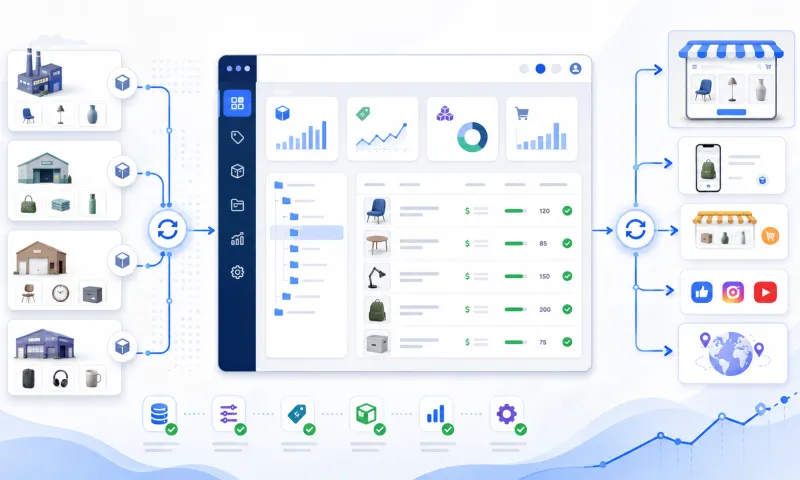
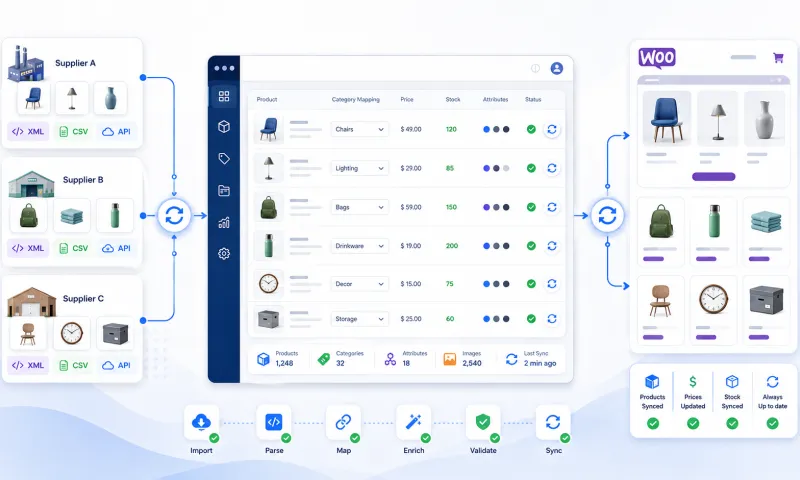
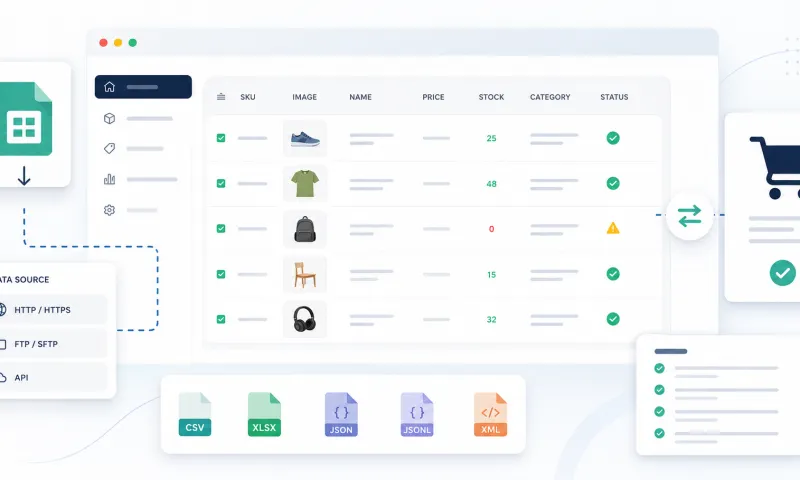
Every new supplier brings its own category tree. One sorts products by purpose, another by material, a third has an "Other" category holding half the catalog. For products to land in the right places in your store and on marketplaces, every supplier category has to be mapped to one of yours. For ten categories that takes an hour. For a few hundred it takes days.
That is why the category mapping page has an AI recommendation. Since this autumn it works differently: it bases its suggestion not only on the category name, but on what is actually in the category and on how you have mapped similar categories so far.
Why the name alone is not enough
A supplier category called "Garden / Other" tells you nothing. It may hold watering hoses, outdoor lights or barbecue accessories. "Decorations" means candles to one supplier and wall stickers for a kids' room to another. A person in that situation opens a few products and looks. Now the AI does the same.
What the AI looks at before suggesting
- Sample products. The number of products in the category and up to ten product names with their brands. They show what is really behind a vague name.
- Your whole category tree. Not just a few similar categories but the whole tree with its paths, so the suggestion always points to a category that really exists in your store.
- Your earlier mappings. How you mapped similar categories from your other suppliers. If you always put outdoor lights under "Lighting / Outdoor" rather than "Garden", the AI follows that. This helps most with a new supplier: it has no mappings yet, but your habits are already known.
What you get back
The recommendation is more than a category name. Alongside it you see:
- Confidence. How sure the AI is. You can confirm the clear cases right away and look more closely at the less certain ones.
- A reason. One sentence on why this category was chosen, for example "The category is mostly solar-powered outdoor lights".
- Alternatives. Up to two other fitting categories when the choice is not clear-cut.
- A new category suggestion. If nothing in your tree fits, the AI suggests a path for a new category instead of forcing the products into the wrong one.
The last word is always yours: the recommendation only fills in the choice, and you save it.
Your data stays yours
The AI only uses your own team's data as context: your category tree, your products and your earlier mappings. Other customers' mappings are never used, even when they work with the same suppliers. This is deliberate: your category structure is the result of your work and should not become another seller's advantage.
What it looks like day to day
- We connect a new supplier. Its products appear in the system with the supplier's categories.
- On the category mapping page you see which categories are still unmapped.
- You open a category and see the AI recommendation with its reason and alternatives. You confirm it or pick another.
- The mapping applies to every future product in that category, and your decision becomes an example for the next recommendations.
The more you map, the closer the AI gets to your logic, because every decision becomes a new example.
We connect, you decide
We connect your suppliers and handle the initial setup, while the category structure stays your decision. The AI recommendation shortens the way to it. If you have a large catalog and want to see how this would work with your suppliers, write to us, and see the plans on the pricing page.