The biggest sales season of the year – from the September back-to-school wave through Black Friday and Christmas – isn't won in November. It's won now, in August, while your competitors are still on holiday.
The reason is simple: during the season, it's too late to fix problems. When outdated prices or phantom stock show up in a supplier file in late November, you're not earning – you're firefighting: cancelling orders, issuing refunds, and dealing with unhappy customers. Every cancelled order during peak season costs you twice: you lose not just the margin, but also the transaction fees, which Shopify doesn't refund even when you refund the buyer.
Below is a practical plan for what to sort out in your supplier catalogs before October.
1. Audit your supplier catalogs
Start with a simple question: does the data shown in your store still match what the supplier actually has?
Review each supplier's feed and check:
- Prices. Many suppliers adjust prices before the season. If your store shows spring prices, you'll either sell at a loss or cancel orders during peak.
- Assortment. Products removed from the supplier's catalog must not stay active in your store. Every "ghost" product is a potential cancelled order.
- Stock levels. Is stock updated frequently enough? During the season, products sell out in hours, not days.
If you work with several suppliers, audit them one at a time – starting with the one that generates the most orders.
2. Check data quality: the required fields
Peak-season shoppers don't forgive poor product pages. A product without an image, without a description, or with a wrong SKU simply doesn't convert – while your paid ads for it keep running anyway.
The minimum set of fields every product in a supplier file should have:
- Name
- Description
- Brand
- Price
- SKU
- Category
- Image URLs
It's also worth adding attributes (size, color, material), barcodes, and package dimensions – these matter especially if you plan to advertise on Google Shopping or price comparison sites during the season, where products without a barcode are often rejected outright.
A practical tip: open 10 random products from each supplier and check them manually. If two out of ten have problems, the whole catalog has problems.
3. Fix your stock synchronization
This is the most important item on the list. During the autumn season, popular products sell out at the supplier within hours. If your stock updates once a day – or worse, manually once a week – you will inevitably sell things your supplier no longer has.
What to check now:
- Update frequency. During the season, stock should sync at least several times a day. If the supplier has an API – in real time or hourly.
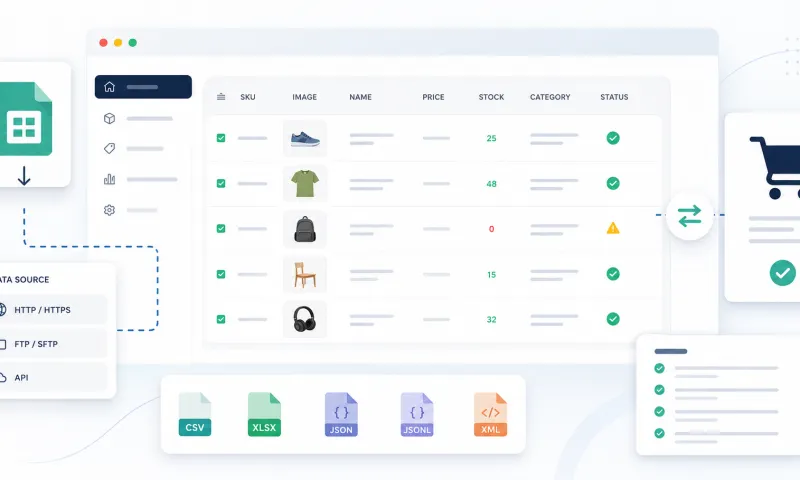
- Format. A CSV or XLSX file the supplier emails you won't survive the season. Agree on an automatically accessible feed (CSV, XML, JSON) or API access now – in August suppliers have time for these conversations; in November they won't.
- Variant logic. If a product has sizes or colors, stock must be tracked at the variant level, not the product level. "In stock" means nothing if the buyer needs size M and only XXL is left.
4. Align season terms with your suppliers
Catalog data is only half the job. The other half is the agreements worth refreshing before the season:
- What delivery times will apply in November–December? Supplier warehouses get overloaded during peak too.
- Is the supplier planning price changes before the season? Better to find out now than from a cancelled order.
- Who is the contact person for urgent issues during the season?
These conversations take 15 minutes per supplier and save you days during the peak.
5. Automate while there's still time
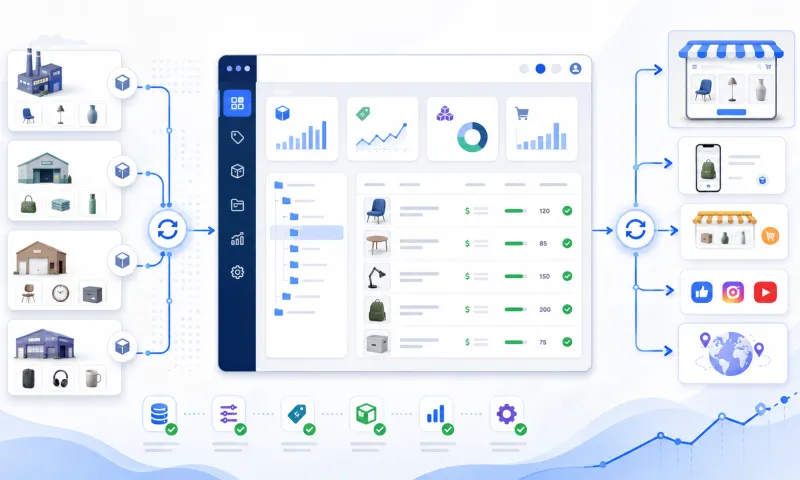
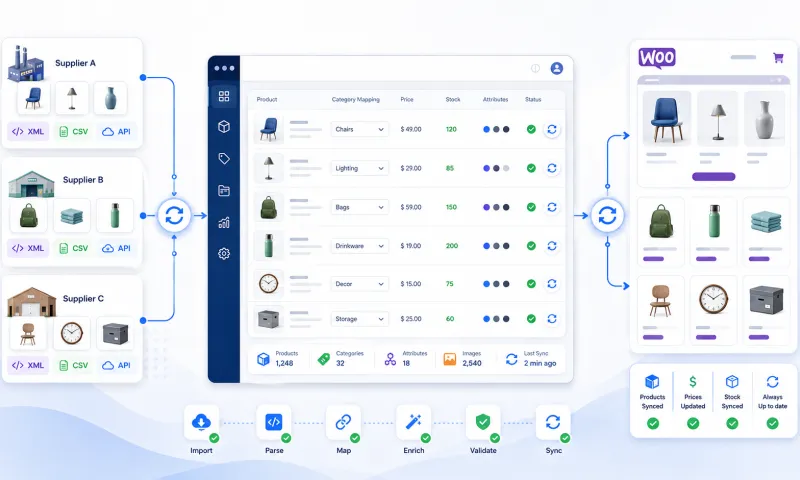
If you update catalogs manually – importing files, copying descriptions, eyeballing prices – that work simply won't fit into a day during the season. August is the last comfortable moment to switch your supplier integrations to automatic mode: feeds sync themselves, prices and stock update without you, and you spend your time on sales instead of Excel files.
Automated integration also means you can onboard new seasonal suppliers (e.g., Christmas products) in days rather than weeks.
Preparation checklist
By early October, you should be able to answer "yes" to all of the following:
- All supplier prices and assortments checked and updated
- Every product has the required fields and quality images
- Stock syncs automatically, at least several times a day
- Variant-level stock is tracked separately
- Season delivery terms and contacts agreed with suppliers
- Catalog updates run without manual work
Unified Suppliers handles this entire process automatically – catalog synchronization, price and stock updates, variant management – so you prepare for the season once, not every day.
Need help preparing your catalog for integration? Contact us